Partners & Services
Partners & Services
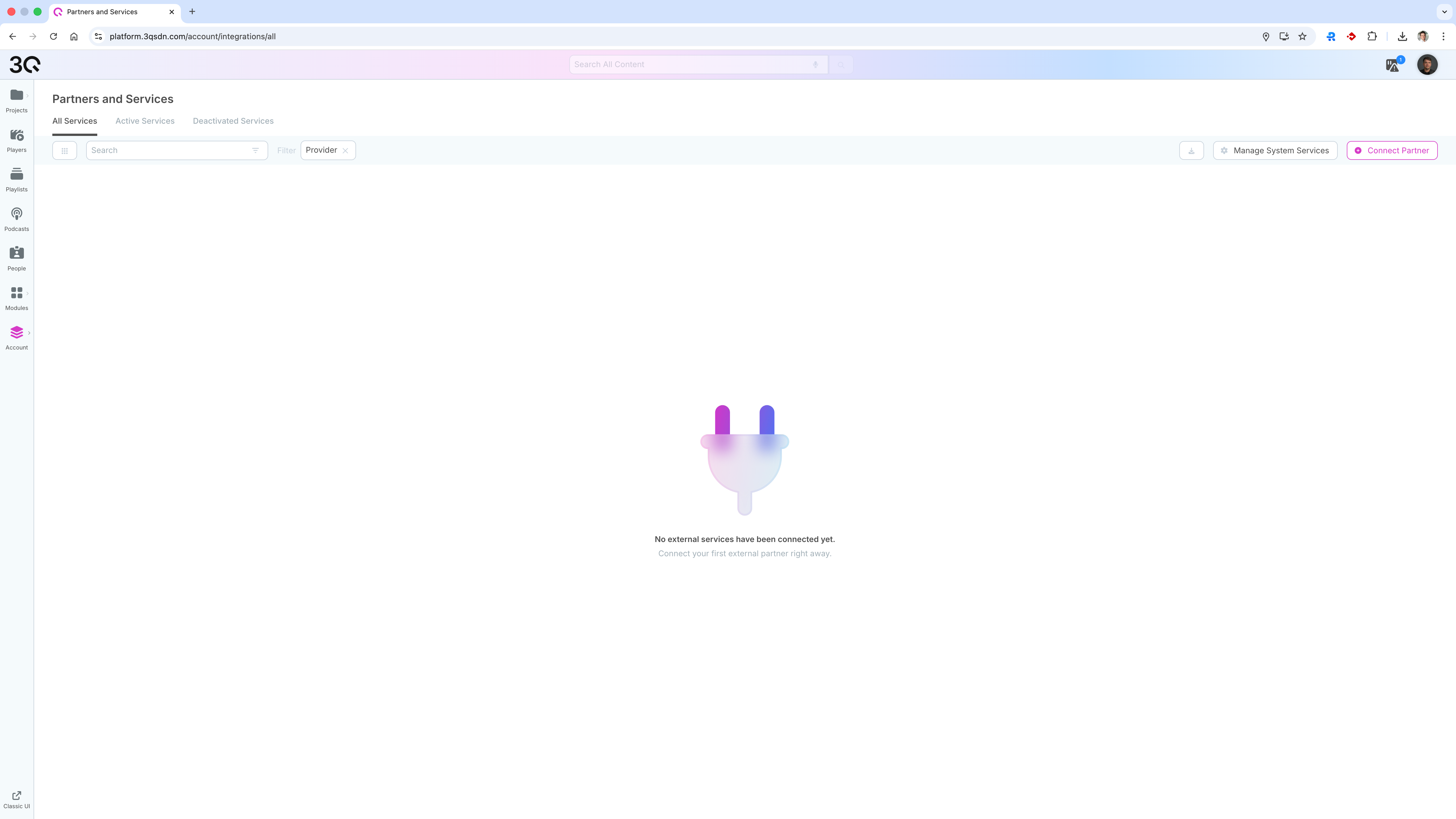
The Partners & Services section is used to manage integrations with external service providers. These services extend platform functionality by enabling additional processing, automation, or third-party connectivity.
Some AI-based services are only available after they have been explicitly activated under System Services.
Overview

The Partners & Services overview displays all external services that can be connected to the account.
Here you can:
View all available services
Filter services by status (active or deactivated)
Search services by provider
Connect new external partners
Manage system-provided services
Services are activated at the account level and are available to all projects and users, depending on permissions.
Connecting External Partners
External partners can be connected via the Connect Partner action.
When connecting a partner, you define:
The service provider
Required endpoints or credentials, depending on the provider
Once connected, the service becomes available for use within the platform.
System Services
In addition to external partners, the platform provides built-in system services that can be activated or deactivated.
Examples include:
Translation of texts and subtitles
Text-to-speech generation
Text and metadata generation
Image generation from text input
Realtime event handling for livestreams
System services are managed via Manage System Services and can be enabled individually.
Data Processing and Compliance
Some services may process personal or content-related data.
When activating external or system services, data may be processed by the respective service provider. Information about data processing and sub-processors is available directly within the Partners & Services section.
Availability and Permissions
Partners & Services are managed at the account level
Only administrators can connect or manage services
Availability of services may vary depending on the account (tenant)
Last updated